Share the link and let it book itself.
Nothing to install, nobody to phone.
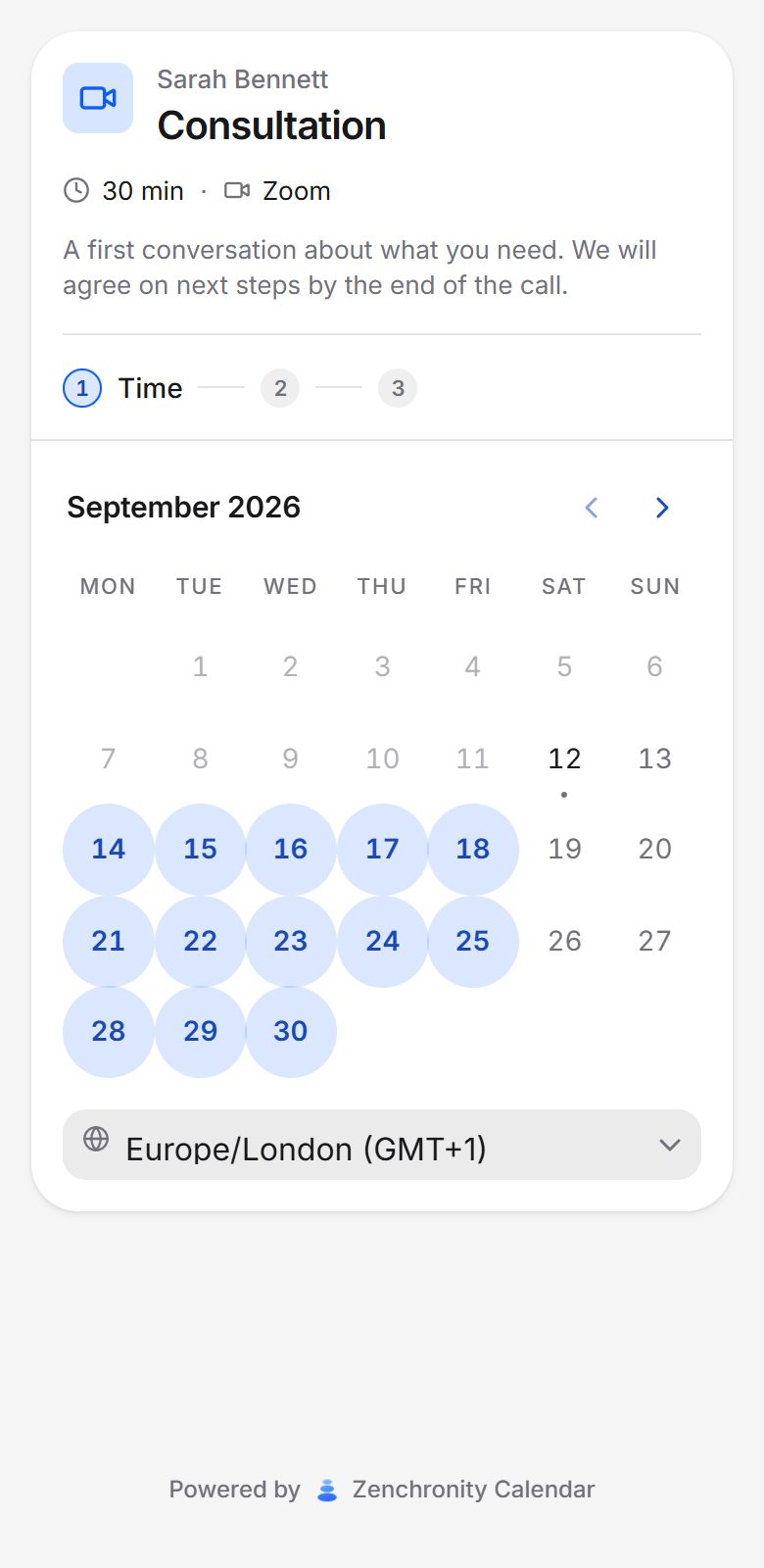
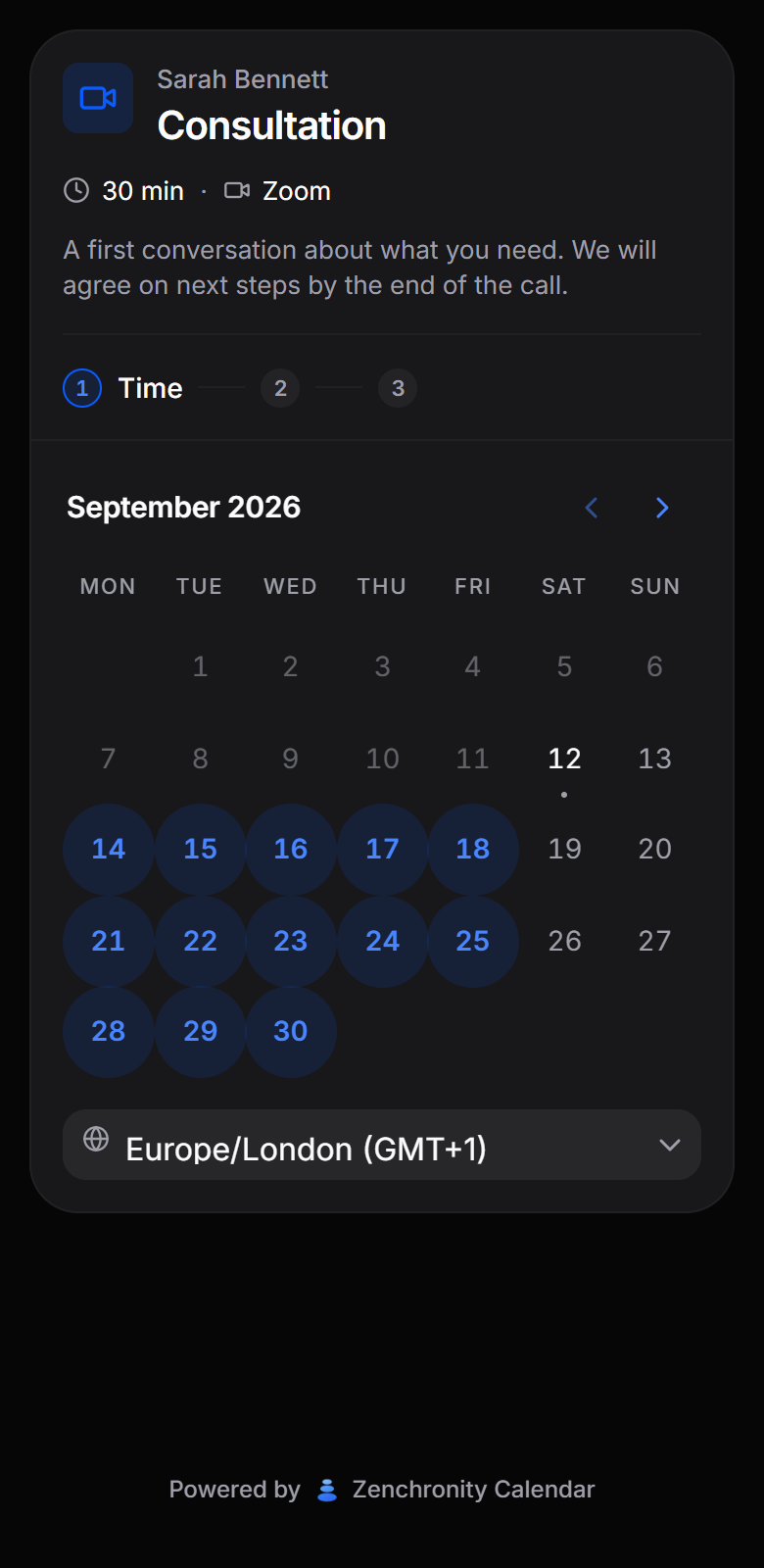


Used for
- Dental and medical practices
- Physio, therapy and counselling
- Salons, barbers and studios
- Classes and workshops
- Tutoring and lessons
- Consultations and calls
- Viewings and site visits
- Service and repair slots
Four things happen. You do one of them.
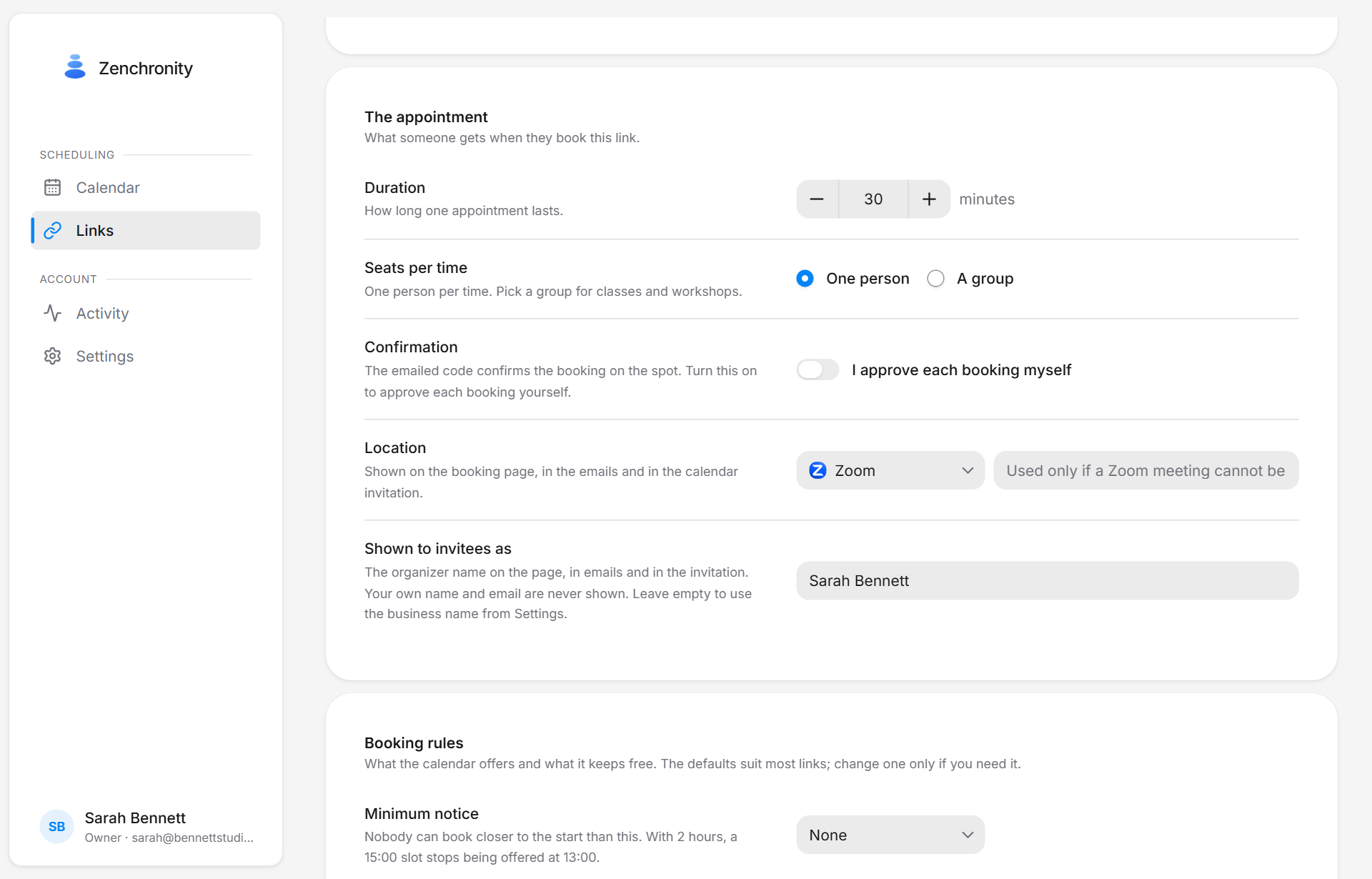
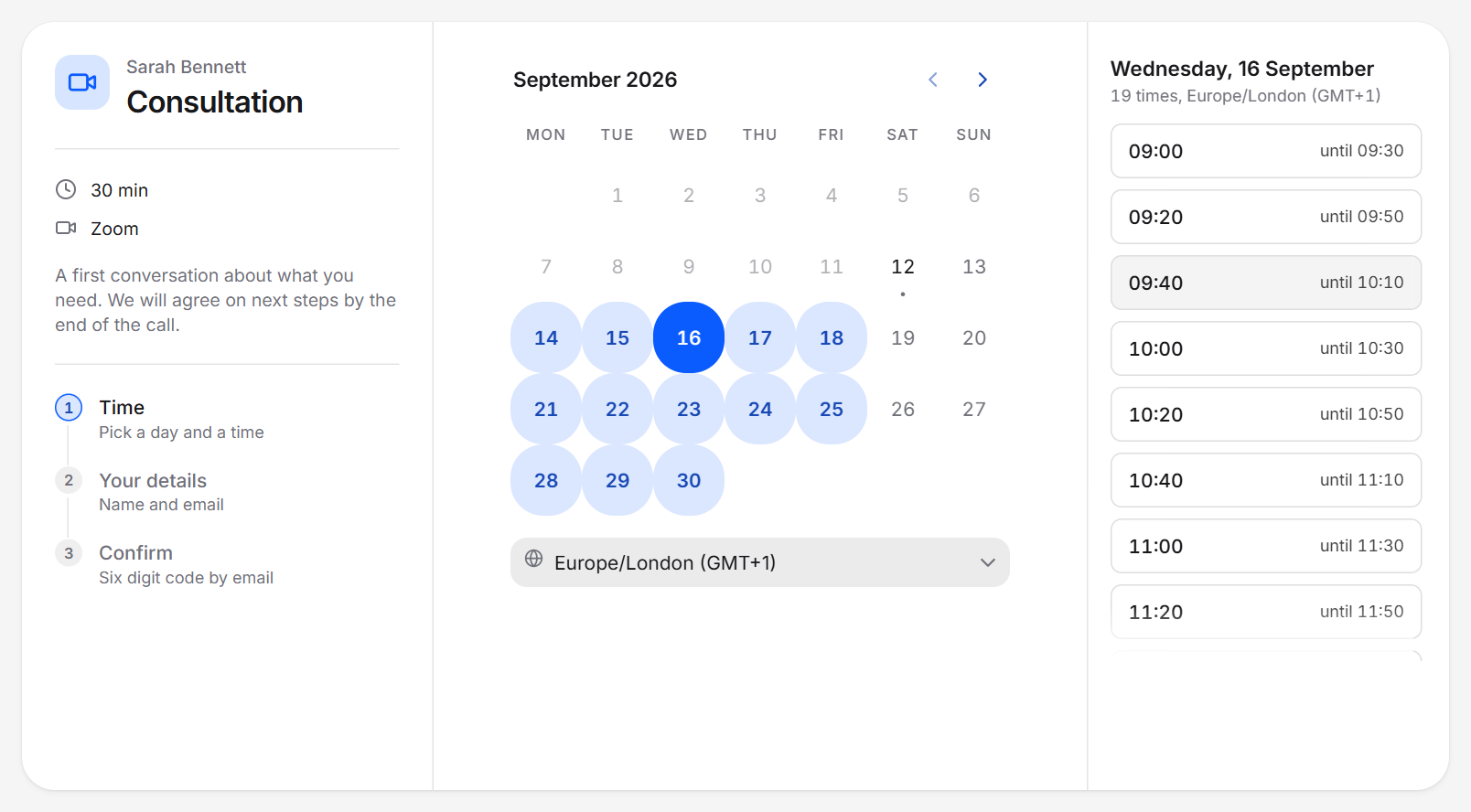
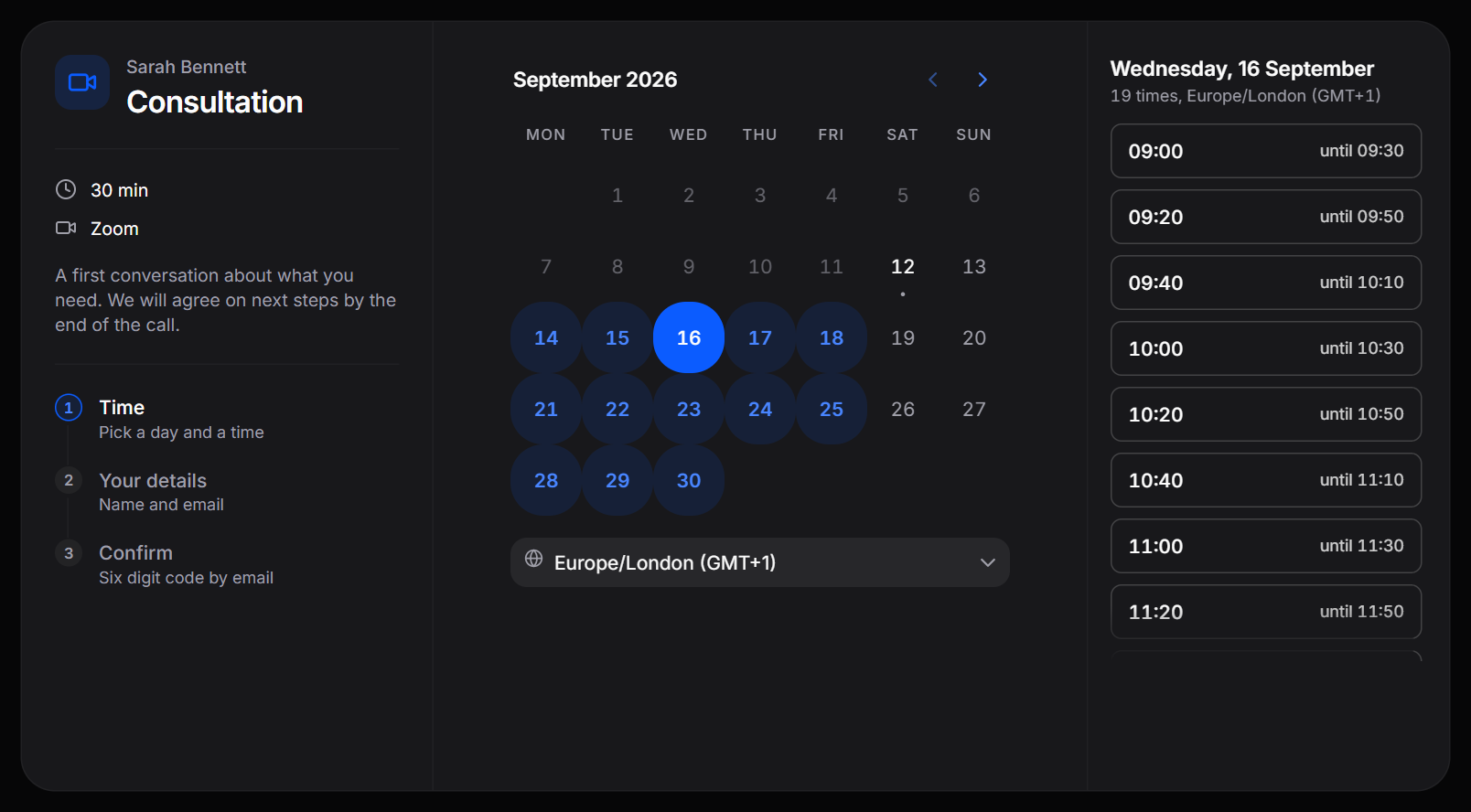
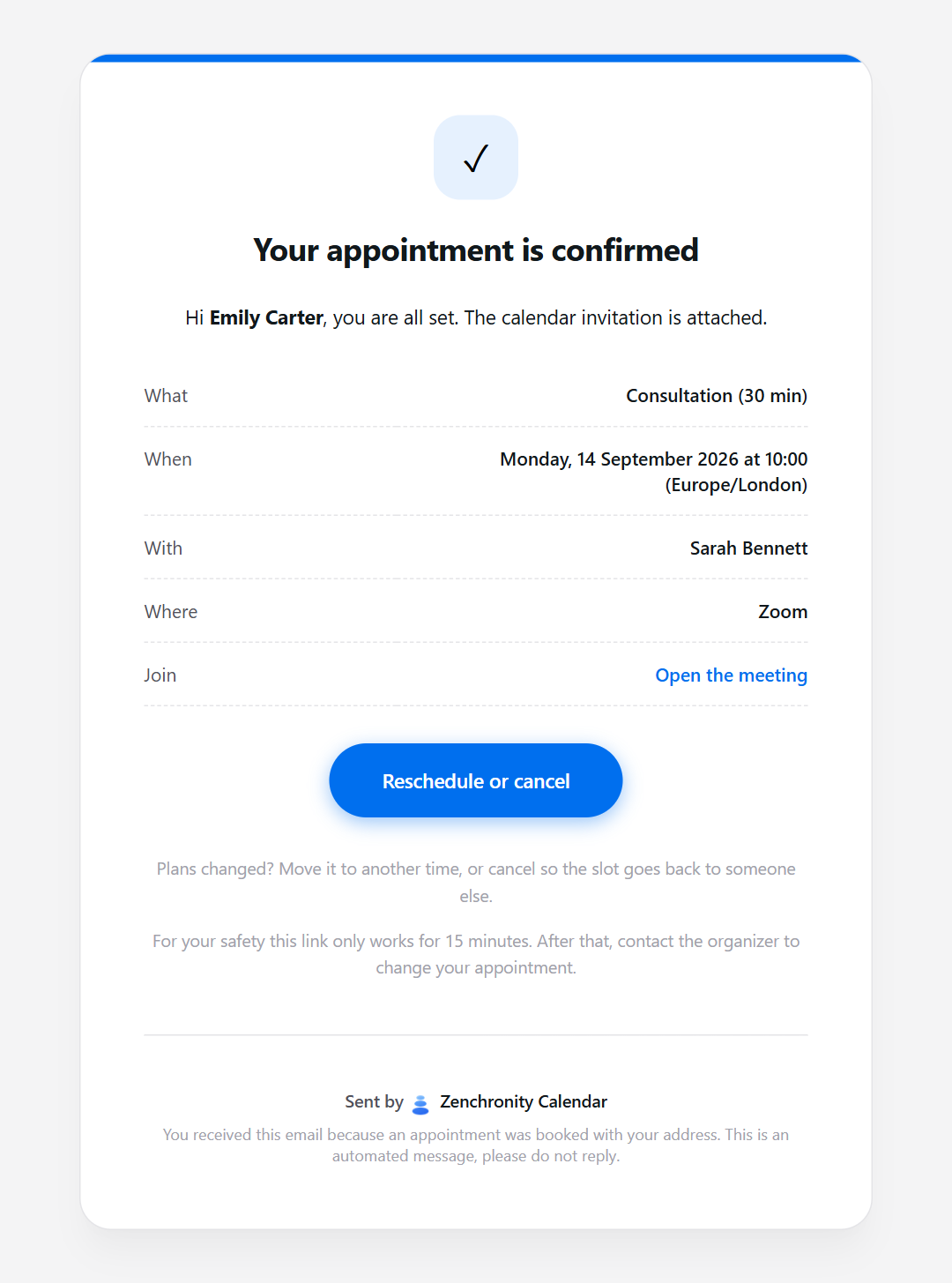
What else does it do?Most of what you would ask for.
0double bookings
Every link shares one timeline, and the database itself refuses two appointments in the same slot.
In a room or on a call
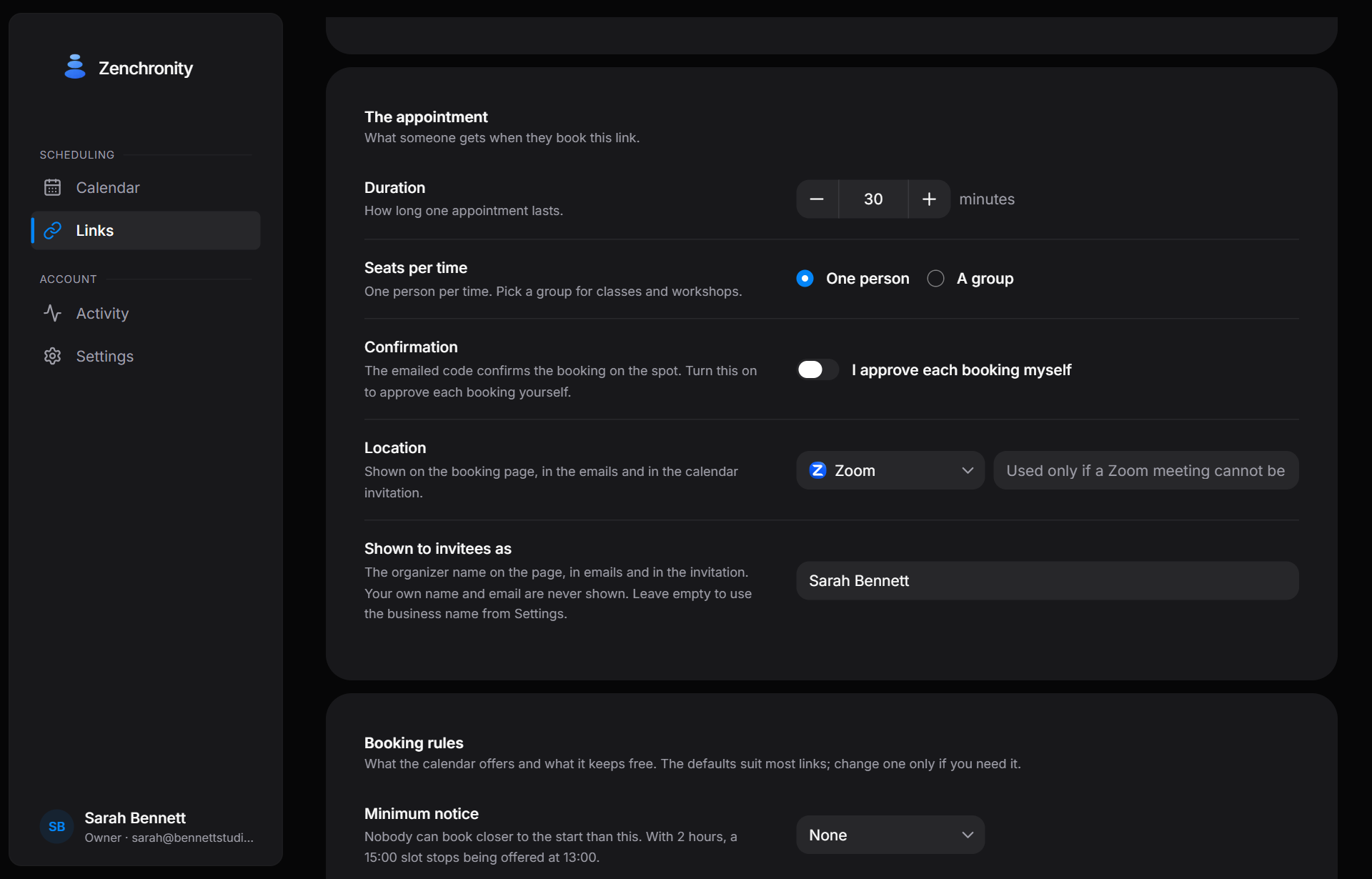
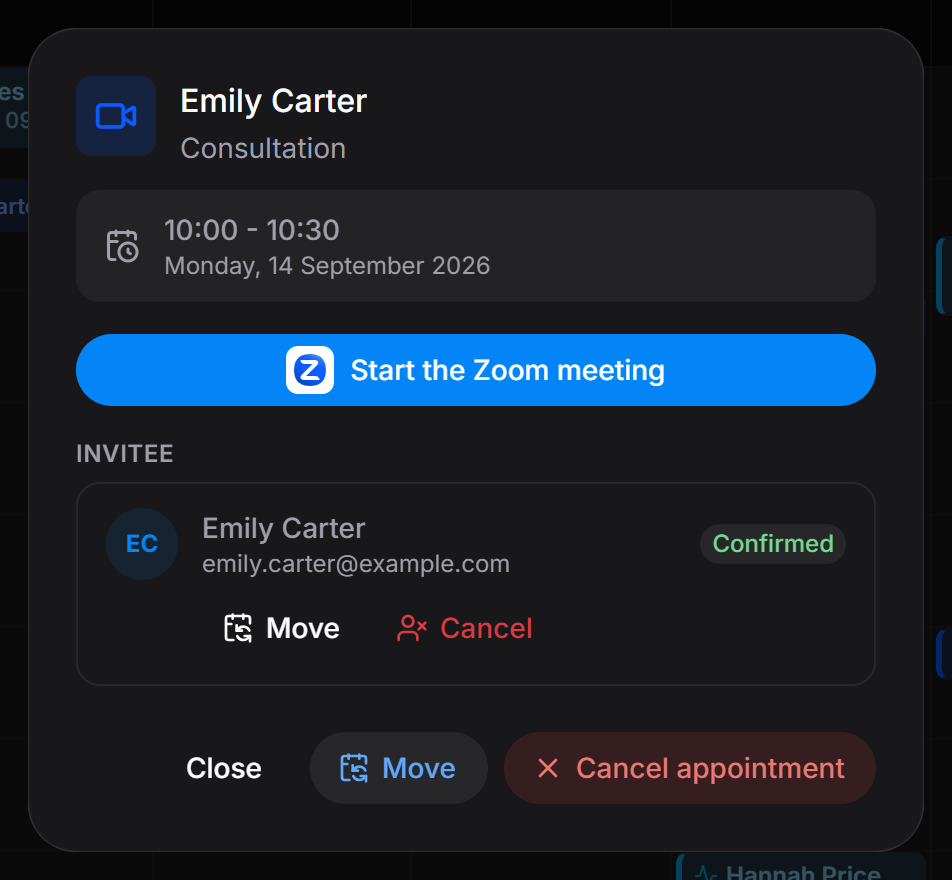
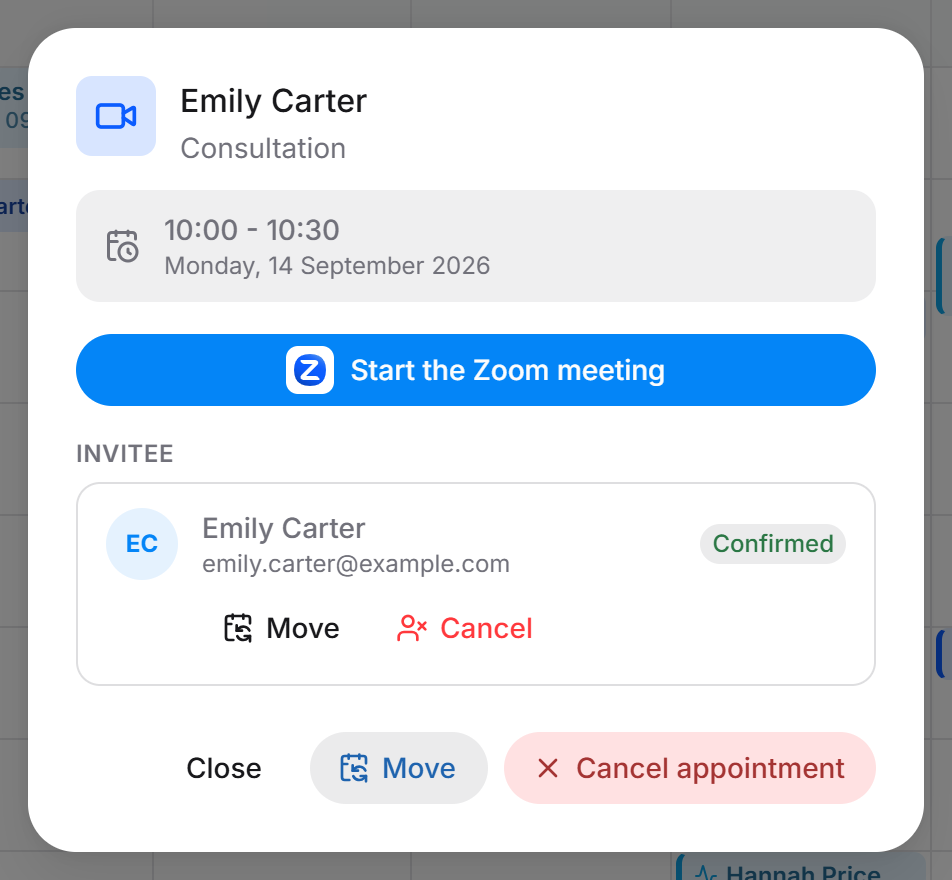
An address, a phone number, or Zoom and Google Meet, created and deleted with the appointment.
Classes and workshops
Give a link seats. The whole session moves or cancels in one go.
2 linesof HTML, and the form is on your own site
Paste them where the form should appear. It sizes itself, follows your site into dark mode, and tells your page when a booking is made.
<script src="https://calendar.zenchronity.com/embed.js" async></script><div data-zenchronity-link="your-link"></div>Their time zone, not yours
Shown where they are, kept where you are.
Your week, in one grid
Every link in its own colour. Click an empty half hour to block it.
Questions